




(Disclaimer: Our tool is intended for personal use only. Users are solely responsible for using this tool to download YouTube videos, including compliance with YouTube's terms of service and copyright laws and regulations. We are not liable for any consequences resulting from users' violation of any laws or infringement of others' rights.)
MP4 is unarguably the most popular video format today. Apart from offering vivid pictures and clear sounds, MP4 is also a universal format that opens on any website, social media platform, and devices. However, there’re times when you will need to download and convert MP4 to other formats. For instance, you might want to download your favorite music from YouTube then convert it to MP3. In that case, you’ll need a robust Online Video to MP4 downloader to help you out. So read on to find out your options.
In this article
Part 1. All-in-One MP4 Downloader
Evidently, these online MP4 downloader and converter apps have some severe limitations. So, getting the Wondershare UniConverter is the smarter option. It’s even more straightforward to use than the above options and offers a myriad of conversion formats and editing functions. You can download MP4 files from video-sharing sites like Vevo and YouTube then convert them to any video/audio format quickly. Ah, lest I forget, the UniConverter can upload videos online as well.

Step 1 Add your MP4 files.
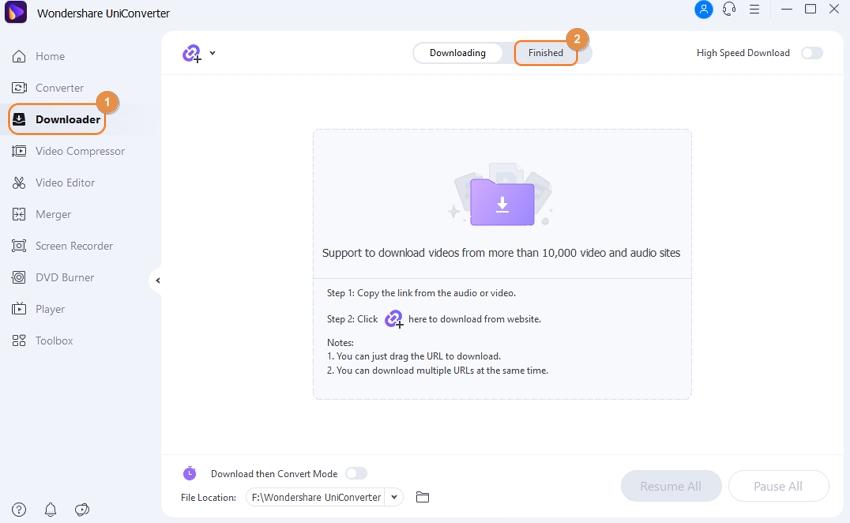
Begin with and running the UniConverter then click the Downloader tab. Next, go to YouTube, search for your video, then paste then copy the video link. Now return to UniConverter and tap the Paste URL icon.
Step 2 Download MP4.
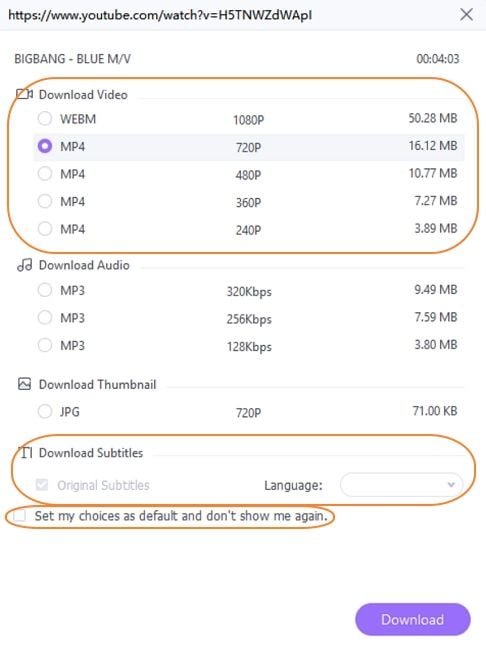
From the pop-up window, select whether you want to download the file in either MP4 or MP3 format. If you want to convert it to a different format, click the Download to proceed.
Step 3 Convert the MP4 video.
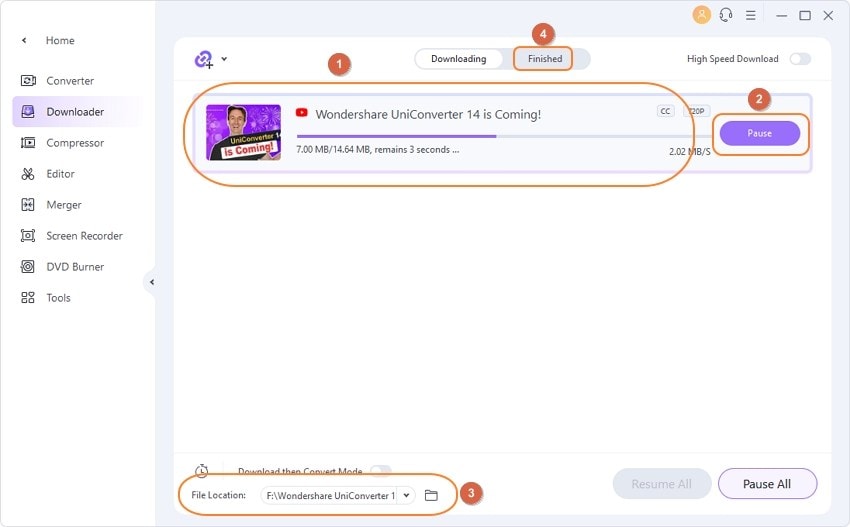
As the download process proceeds, tap the Download then Convert Mode toggle then choose a preset of your choice. Wondershare UniConverter will download and convert your MP4 to any format.
These are the most useful MP4 converter downloader apps currently. But with Wondershare UniConverter, you’ll download and convert files simultaneously. It doesn’t get any more exciting, honestly.
Part 1. 5 Recommended MP4 Downloaders
As usual, it’s always my pleasure to introduce you to the best free apps that can take convert anything. So today, I’ll show you the top six MP4 converter downloader tools that are free, quick, and simple to use. Here they are:
1. Video2Edit
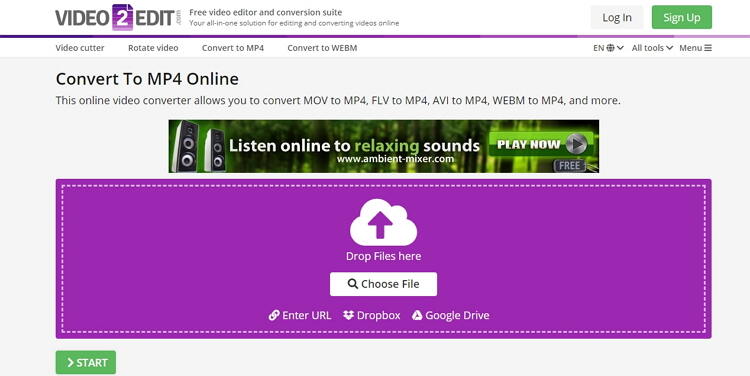
Video2Edit is a wonderful MP4 downloader and converter that is simple-to-use. It boasts of a clean, well-arranged UI that’s free of ads. It can convert from video to video, video to audio, and vice-versa. You can also rotate, cut, trim, apply effects, and many other file editing tasks. Even better, Video2Edit allows users to download MP4 from URL links as well as Cloud storages like Google Drive and Dropbox. However, the free version comes with a maximum file size of 100MB.
Pros
- Simple to use.
- Downloads and converts files.
- Supports file editing.
Cons
- Limited target formats.
- Small upload size.
2. Online-Convert
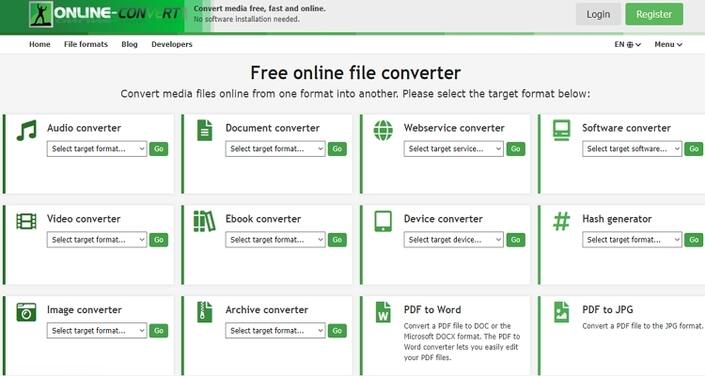
If you like transcoding videos, Online-Convert can do it for you easily and quickly. Here, you can convert MP4 to OPUS, WMA, WAV, M4R, MP3, FLAC, AVI, FLV, and more. You can also download MPEG-4 files from Google Drive, Dropbox, and URL links. What’s more, Online-Convert can edit video pixel, bitrate, frame rate, size, and more.
Pros
- Clean user interface.
- Supports file editing.
- Lots of target formats.
Cons
- Ads on the interface.
- Slow uploading speed.
3. Convert Files
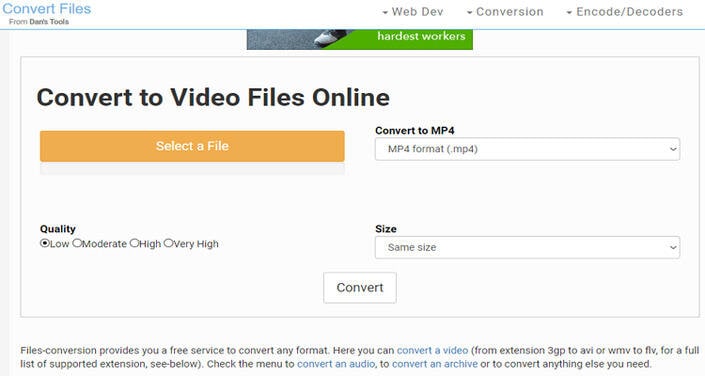
Convert Files is another excellent MP4 converter that’s effortless to use. It can convert MP4 to OGG, WMA, MP3, VOB, FLV, and more formats. And before transcoding, you can set the video quality and size. When extracting audio from MP4, Convert Files can also encode presentation, video, font, eBook, spreadsheet, and image. However, it doesn’t support batch processing.
Pros
- Fast conversion.
- Simple to use.
- Supports file editing.
Cons
- Not batch conversion.
- Ad-laden interface.
4. Convertio
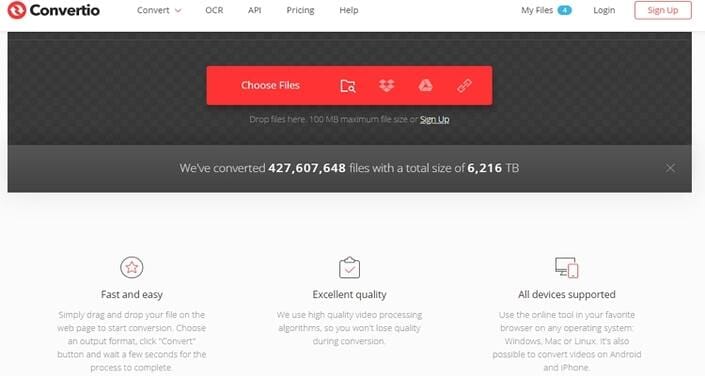
Convertio promises you up to an impressive 124 MP4 conversions. It can transcode MP4 to all audio and video formats, including AU, VOB, MKV, M2TS, OGG, MP3, M4A, and more. You can also change the channels, bitrate, sample rate, and more. Moreover, Convertio supports adding of MP4 from URL, Google Drive, or Dropbox before converting to audio.
Pros
- Clean UI.
- Fast upload and conversion.
- Supports multiple formats.
Cons
- Ads on interface.
- The maximum upload memory is 100MB.
5. Zamzar
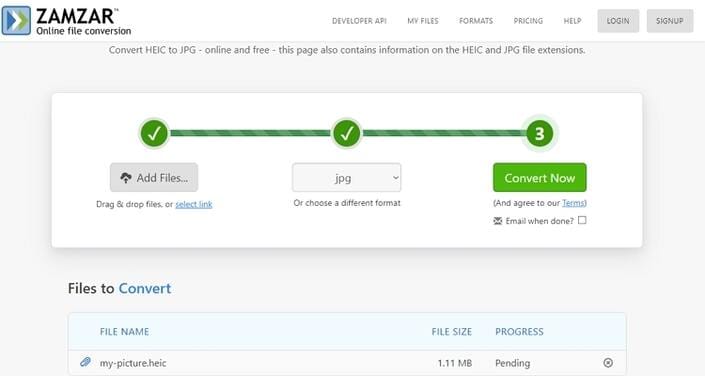
Zamzar is a free online platform that promotes transcoding of 1000+ formats, MP4 to MP3 included. Here, users can encode MP4 to AAC, MP3, WAV, OGG, AC3, FLAC, and iPod. There’re also lots of video formats to convert MP4 to such as MOV, VOB, MTS, etc. However, Zamzar doesn’t support additional editing functions. Also, it’s memory limit is 200MB.
Pros
- Simple to use.
- 1000+ supported formats.
- No ads.
Cons
- No file editing.
- Upload the memory limit.
(Disclaimer: Our tool is intended for personal use only. Users are solely responsible for using this tool to download YouTube videos, including compliance with YouTube's terms of service and copyright laws and regulations. We are not liable for any consequences resulting from users' violation of any laws or infringement of others' rights.)